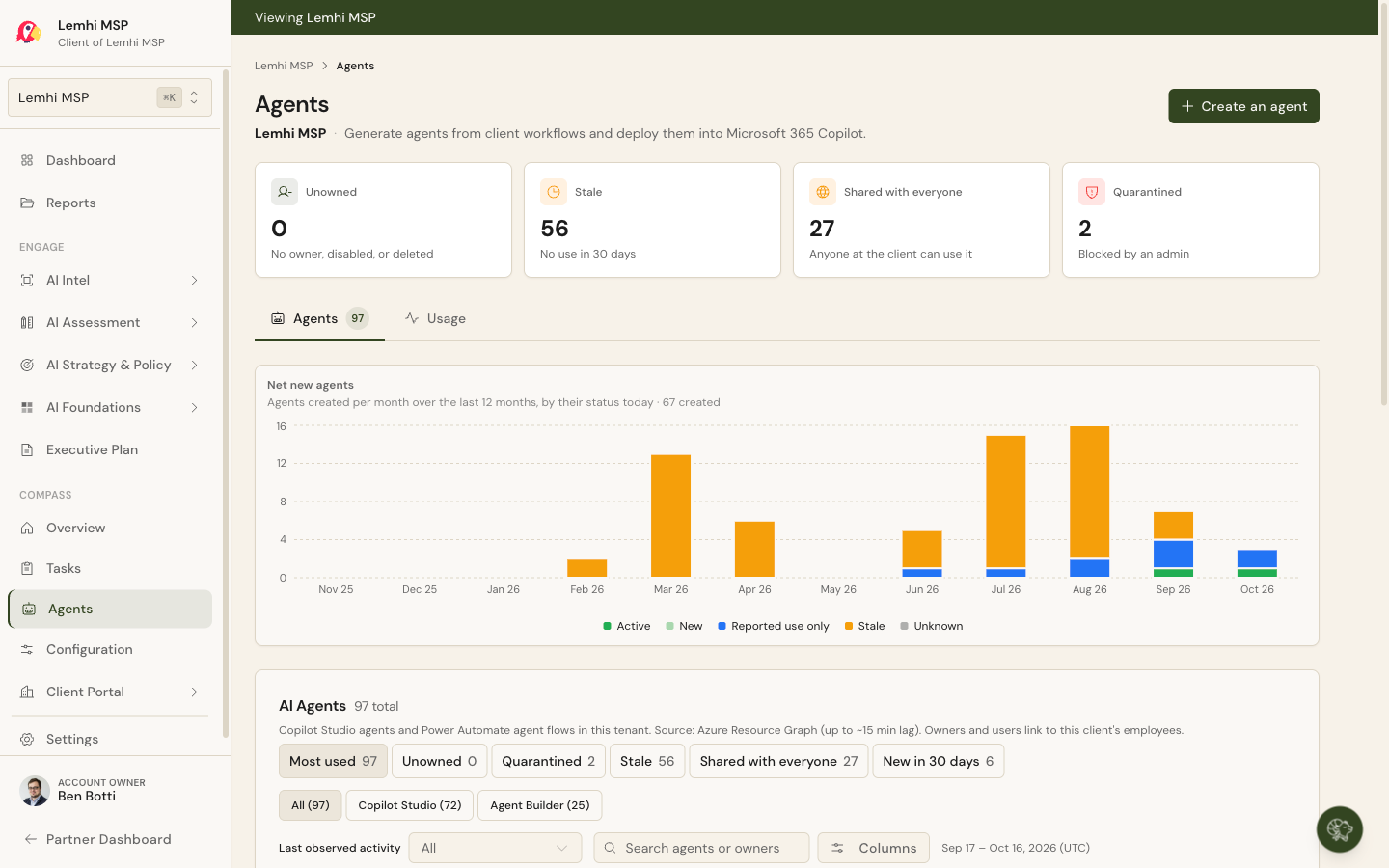
Lemhi Release — Lemhi Pass, ID (Nov 2026)

What's New: November 10, 2026
Lemhi Pass release: Where Lewis first crossed the Continental Divide on August 12, 1805, and the valley below that gives the company its name.
Your view of client AI now reaches past Microsoft 365: the Lemhi browser extension shows the AI they use in the browser, Claude Visibility shows who uses Claude and what it touches, and the Lemhi MCP puts your client data inside Claude, ChatGPT, and Copilot Studio. Compass workspaces can also run the AI Business Review with client leadership inside Lemhi.
Find the Shadow AI Your Clients Use in the Browser
Deploy in one step: On a client's Shadow AI Usage Deployment tab, Copy script or Download script gives you the RMM PowerShell script with the client's key built in. Push it from your RMM. Every computer prints plain results (policy set, extension installed, store reachable, Lemhi reachable) and names the fix when something fails. Your techs stop chasing failures by hand.
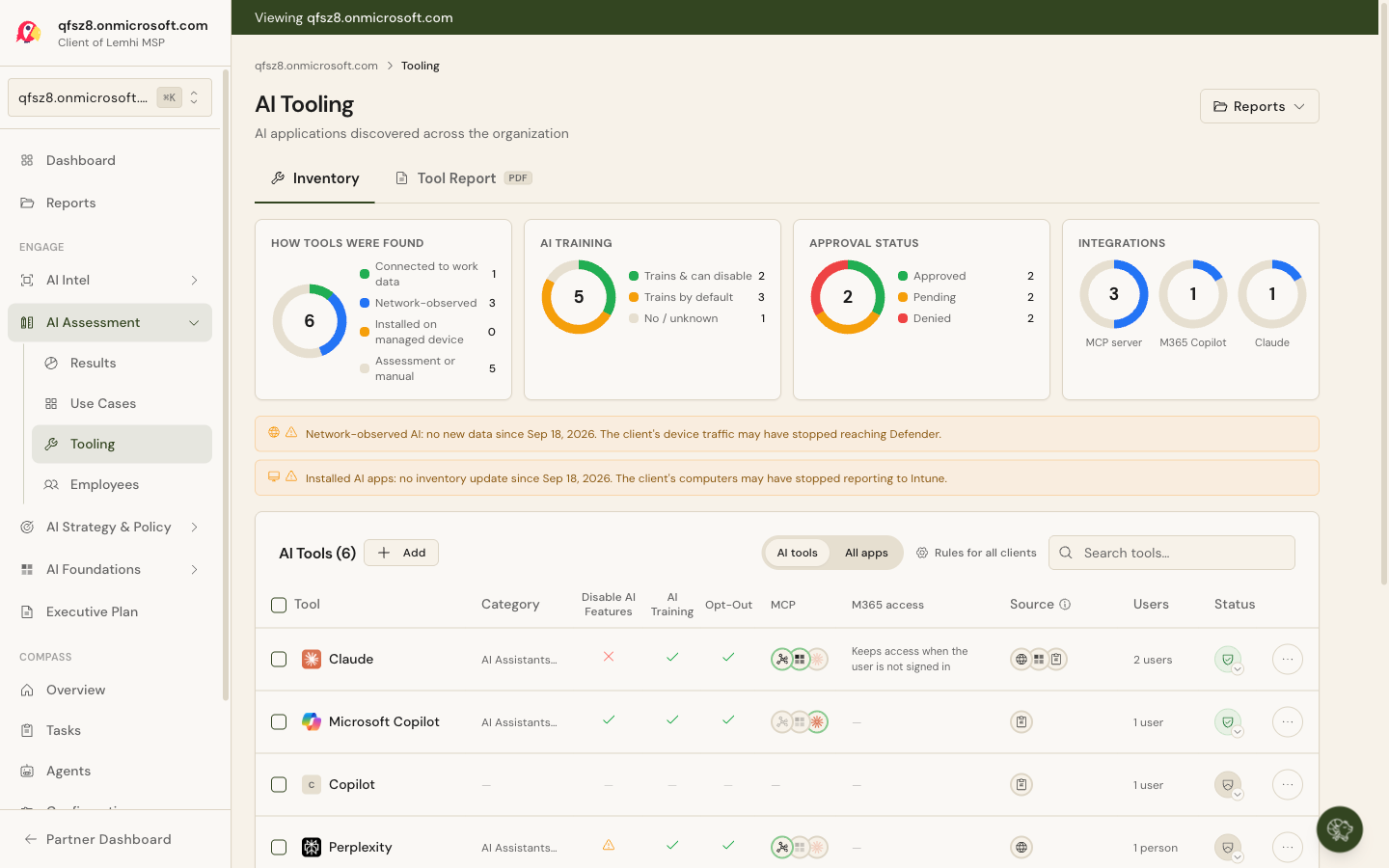
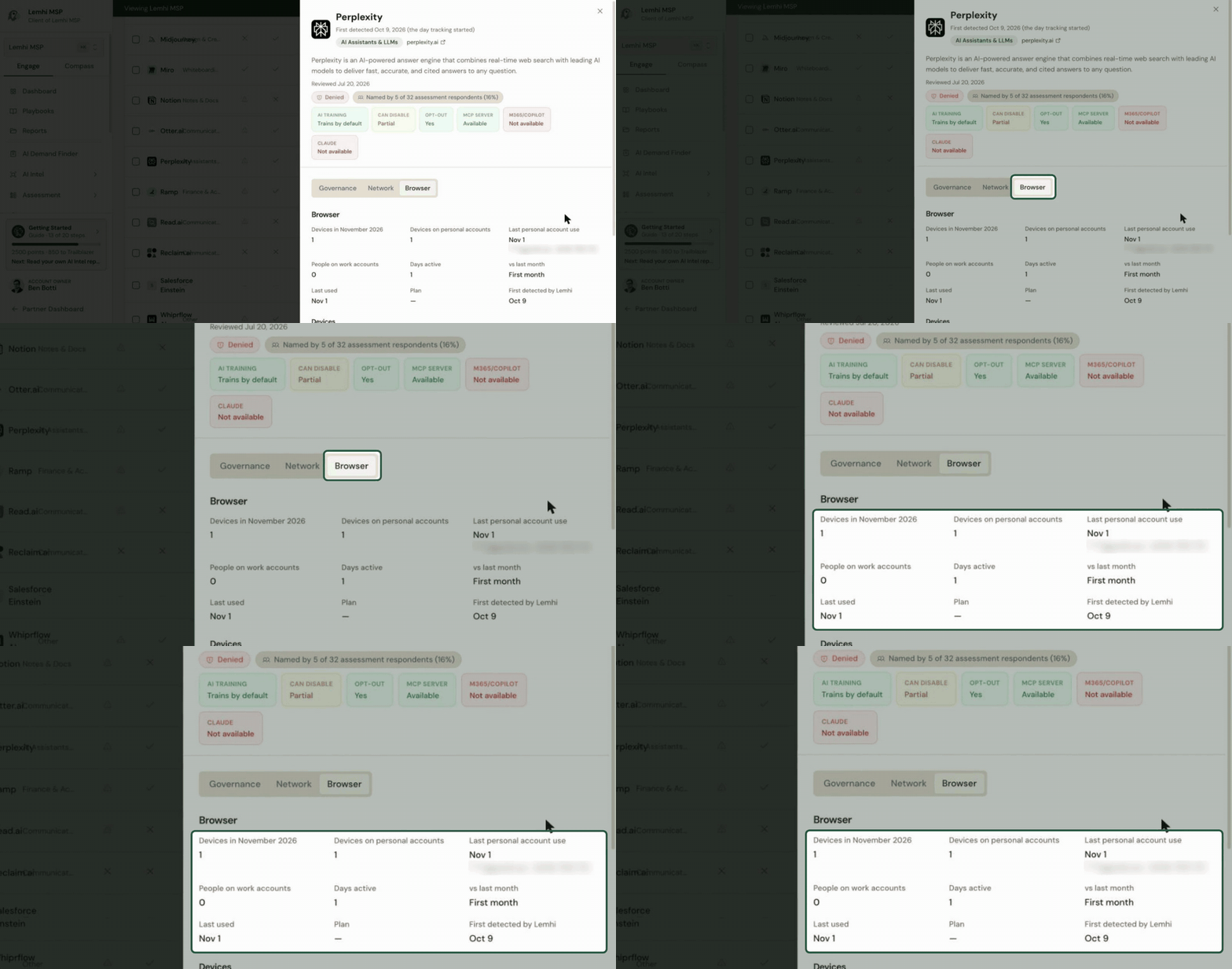
Browser findings next to everything else: Every tool the Lemhi browser extension finds carries a Browser badge on the AI Tooling page, beside the Microsoft 365, Network, Intune, and ScalePad sources. Open a tool to see the devices using it, how many use a personal account, the people on work accounts, days active, and the change from last month. When you raise personal accounts with the client, you now have their own numbers.
Know Who Uses Claude and What It Touches
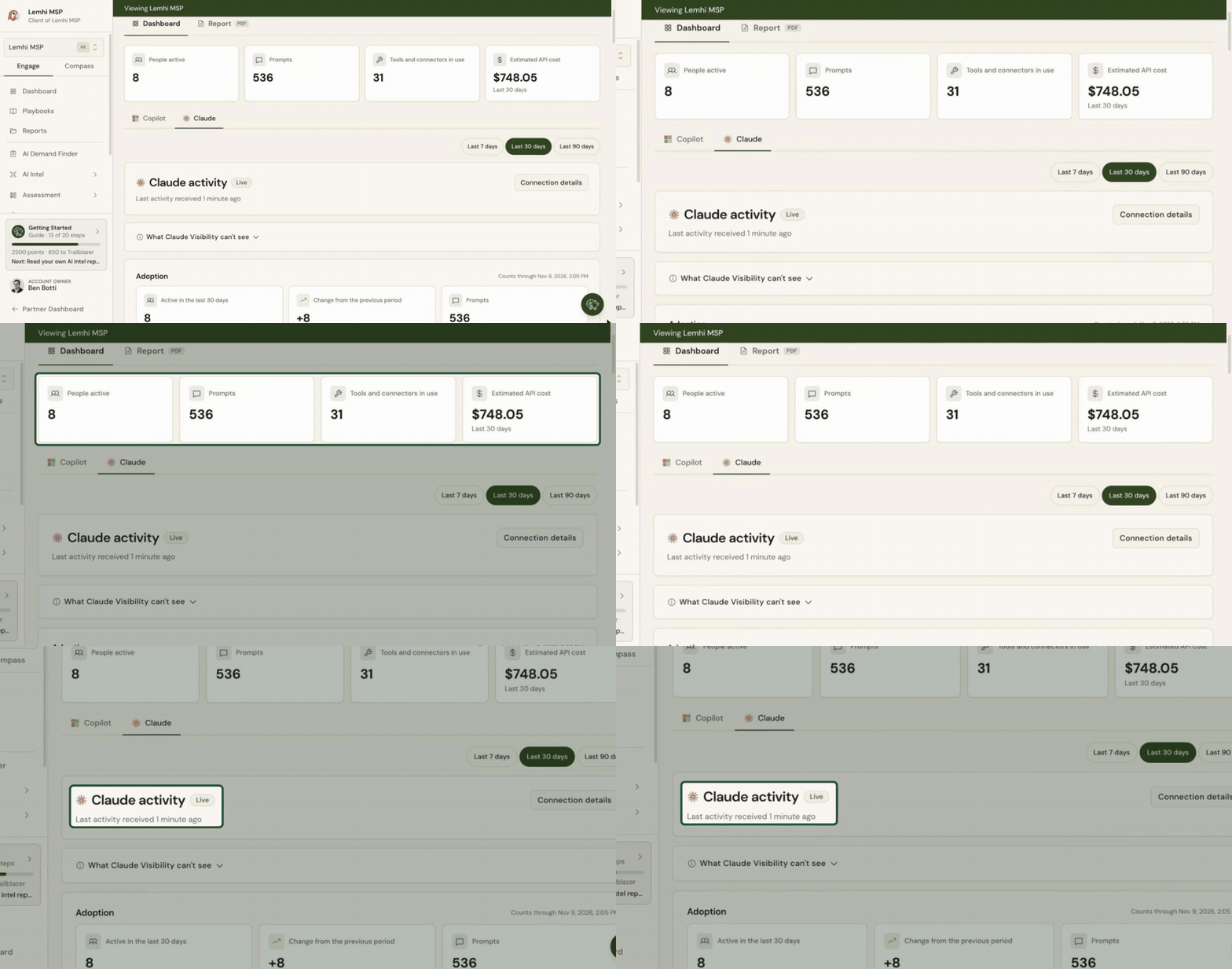
On for every partner: Claude Visibility is now on for every partner. Connect a client's Claude Team or Enterprise organization via OpenTelemetry from the Claude tab in AI Observability and see who uses Claude, how often, which models, which tools and connectors it touches, and what that use would cost at API prices.
A setup link for the client's Claude admin: Create setup link gives you a page in your branding that walks the client's Claude admin through setup, with a copy button for every value and a plain explanation of what Lemhi collects instead of raw settings in an email. Regenerate or revoke the connection and the old link stops working.
Know when it breaks: The client list flags any client whose Claude connection stops reporting, so you can fix it before the next report. Connection history shows which connections came from a setup link.
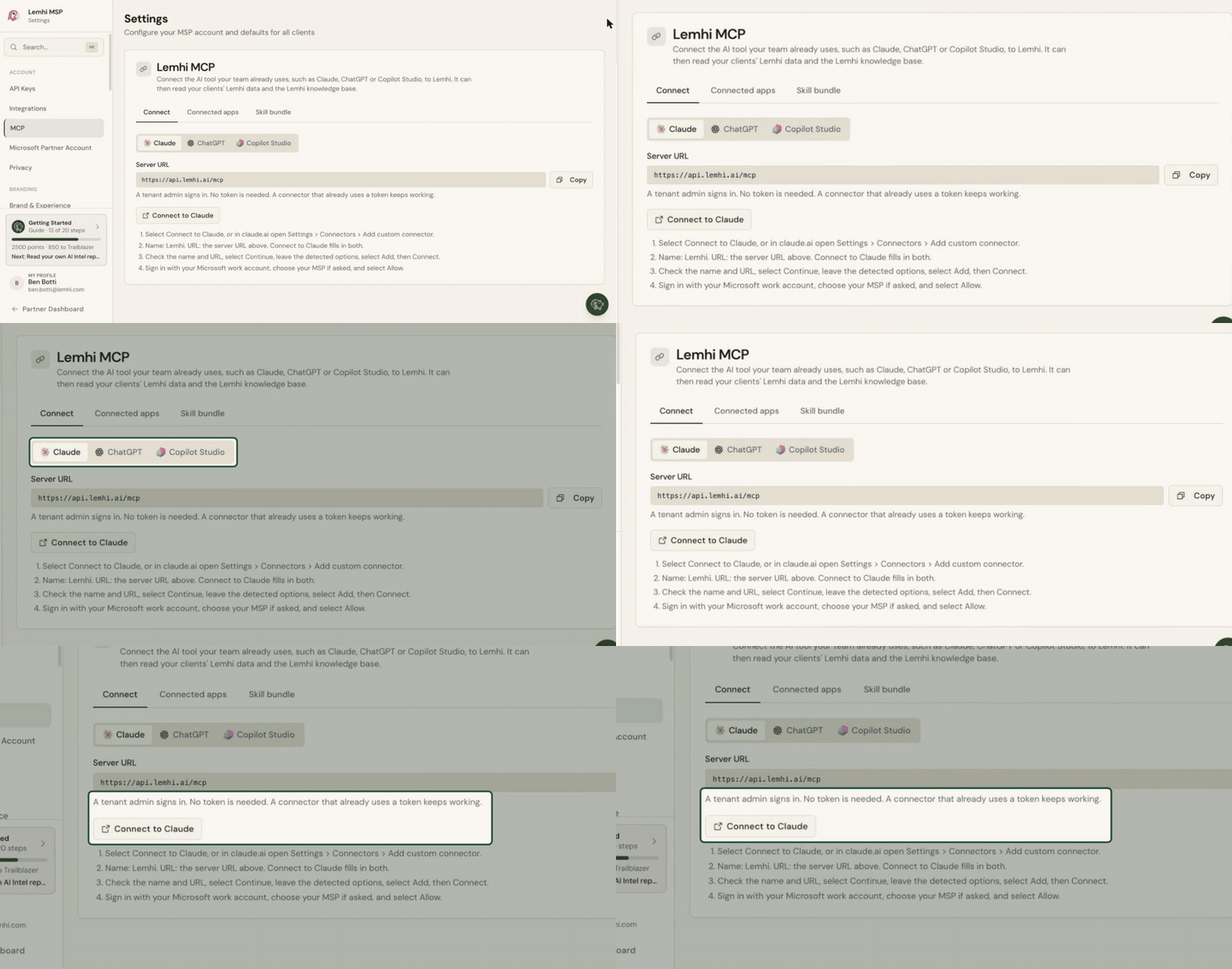
Brief Yourself on Any Client From Claude, ChatGPT, or Copilot Studio
Your client data in your AI tool: The Lemhi MCP answers questions about your clients: their AI tools, use cases, latest AI Intel report, Compass summary, and open tasks. Ask "Brief me on Acme Dental" before a call and get an answer built from Lemhi data.
Sign in, no token to copy: Connect from Claude, ChatGPT, or Microsoft Copilot Studio by signing in with your Lemhi account on a branded consent page. The Lemhi MCP page in Settings has step-by-step tabs for each.
Stay in control: Connected apps lists every app that signed in, who connected it, and when it was last active. Revoke one and its access ends right away. Ready-made Lemhi skills for each tool download from the Skill bundle tab, so your team has a starting point.
Run the AI Business Review Without Building Slides
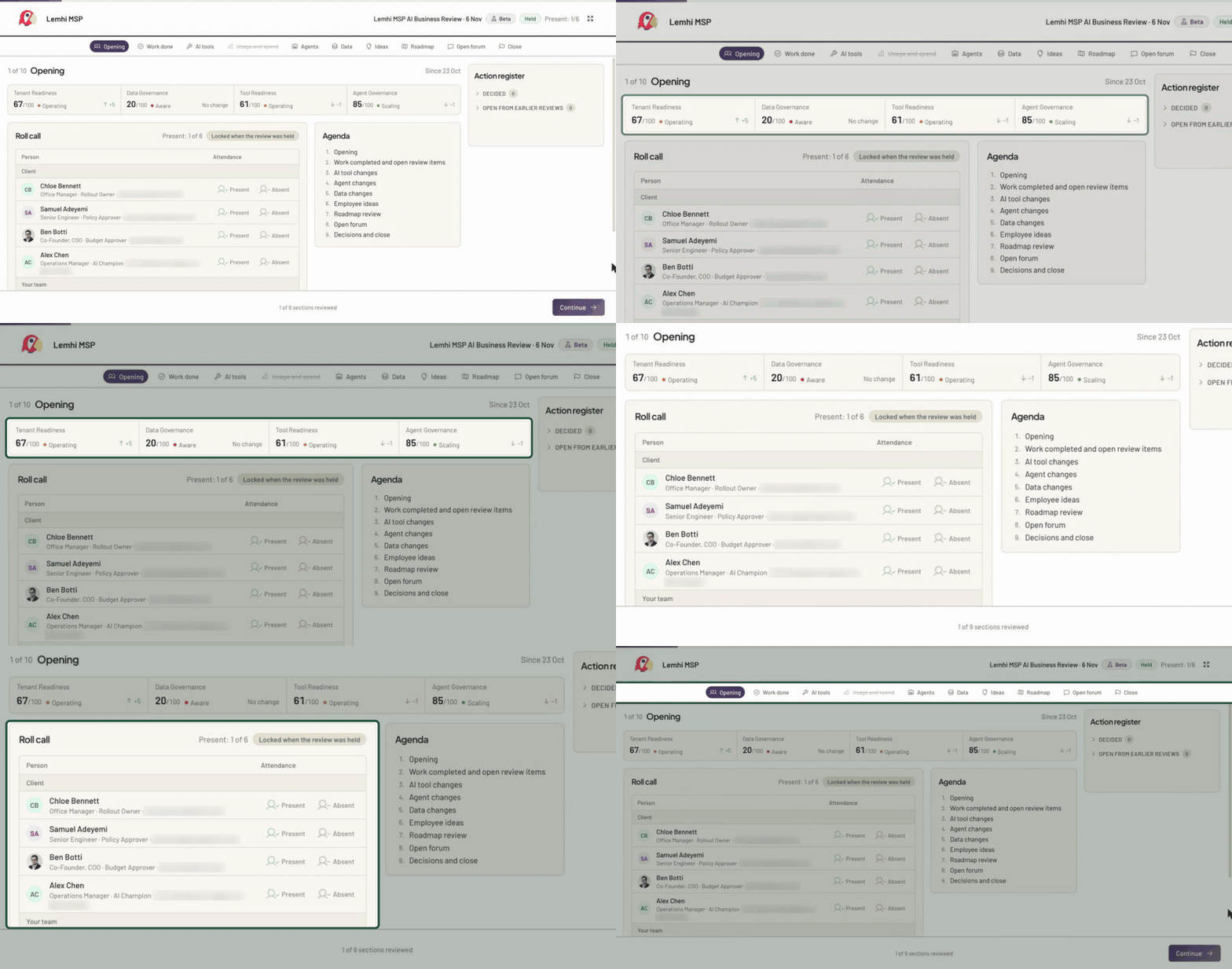
One walk-through, no deck: AI Business Review (beta, in Compass) runs your monthly or quarterly meeting with the client's leadership. Step through tools, agents, data, employee ideas, and the roadmap, each showing what changed since the last review, and take roll of who is in the room.
Every decision becomes a task: One click turns a decision (approve a tool, retire an agent, review a new site) into a Compass task tied to the people present. The Action register keeps this review's tasks and open ones from earlier reviews in view until they're done.
A record you can hand over: Mark the review held and download a branded summary PDF. Any tool, agent, or site shows its decision history across reviews, so you can answer "who approved this?"
Bug Fixes and Other Improvements
Marketing Tools has an Assets gallery with the AI Journey one-pager and Sample Reports for a fictional client
The client Employees tab opens a profile side panel for each employee
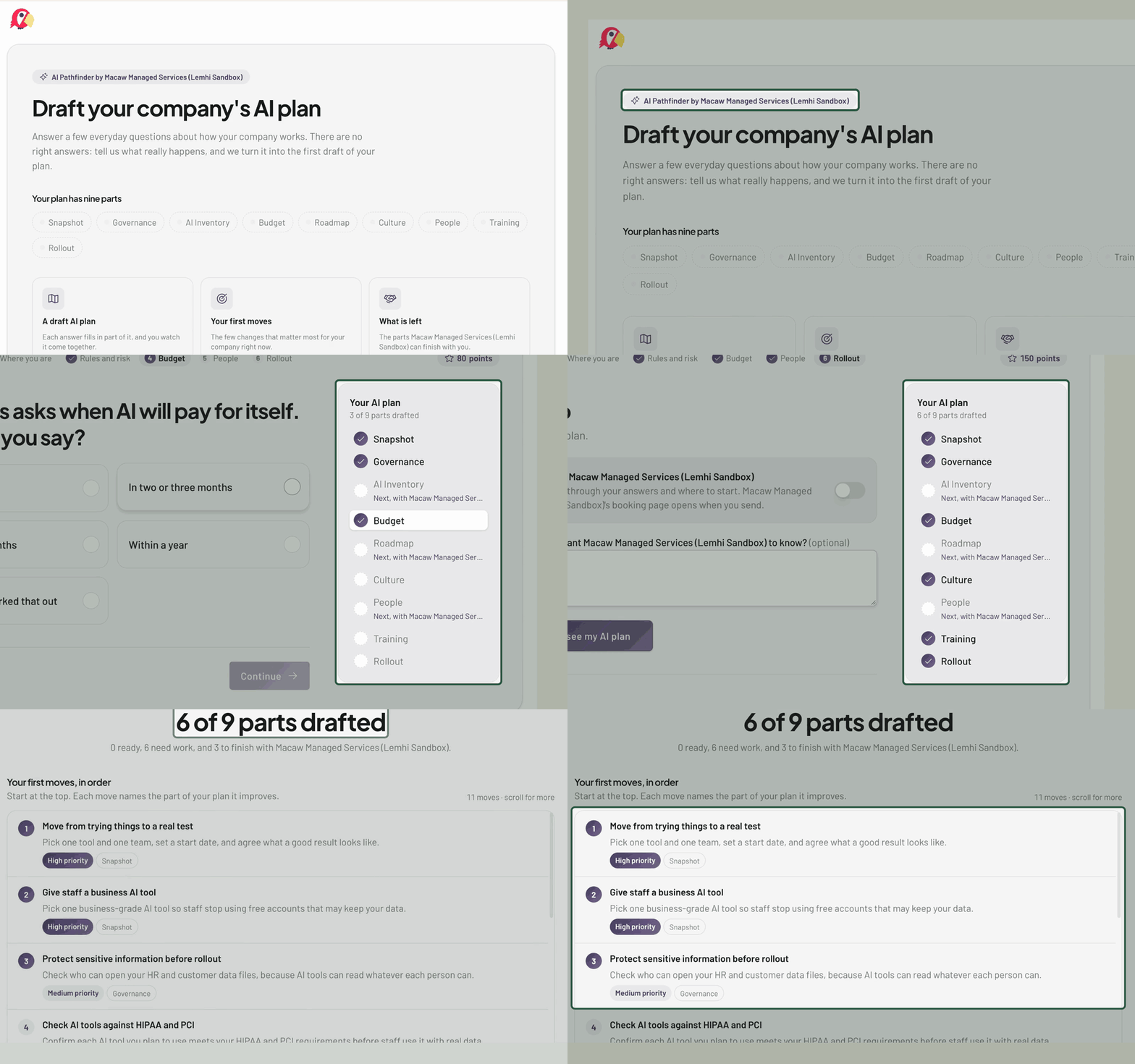
AI Plan Builder adds a Future step before Roadmap on how urgently the client wants each level of AI
AI Intel reports show a clickable source next to every claim that has one
Reports show correct Executive Summary dates, framework names, Data Governance site counts, and value and effort chart ranges
You get an email, with the fix named, when a client starts refusing Lemhi's sign-in or the cause changes
Employee sync no longer creates duplicates or false group failures, and explains when a client blocks reads
AI Intel accepts more company websites and explains failures accurately
AI Observability no longer errors on your internal client before Partner Connect is set up
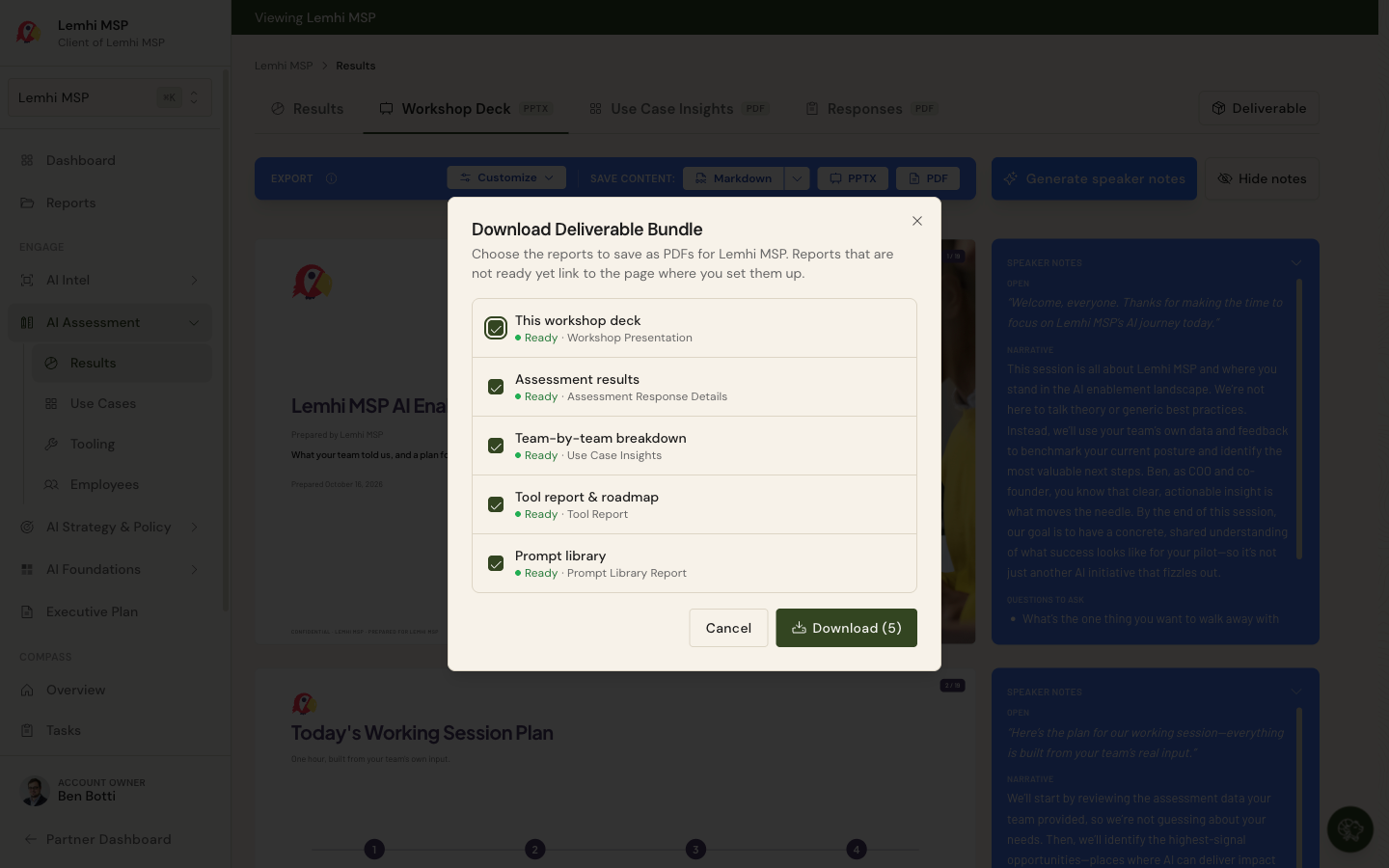
Also: the workshop deck adds an appendix of every tool found; AI Intel links each process to a use case; a new sign-in page; the new ConnectWise logo